
How to add a new user
This article explains how administrators add users to an organization and manage existing user accounts.
User invitations are required when Single Sign-On is not enabled.
Step-by-step
Open Control Panel
In Portal, open the user menu and select Control Panel.

Open Users & Groups
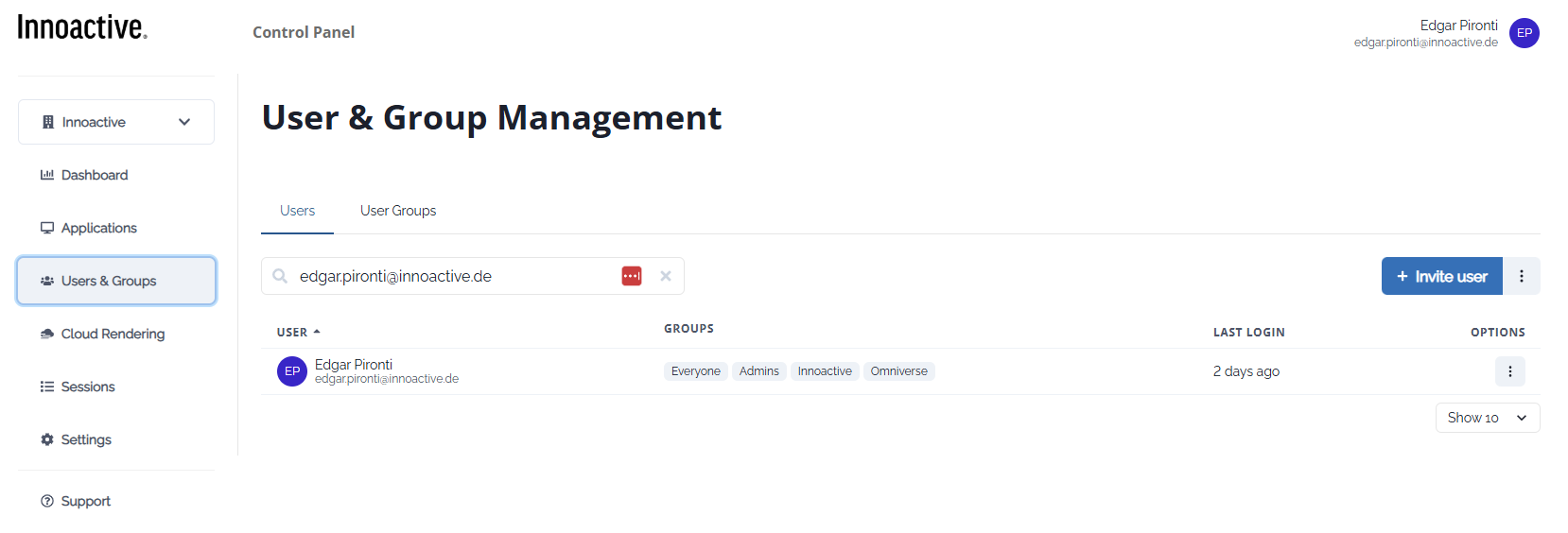
Navigate to Users & Groups → Users.
Invite a user
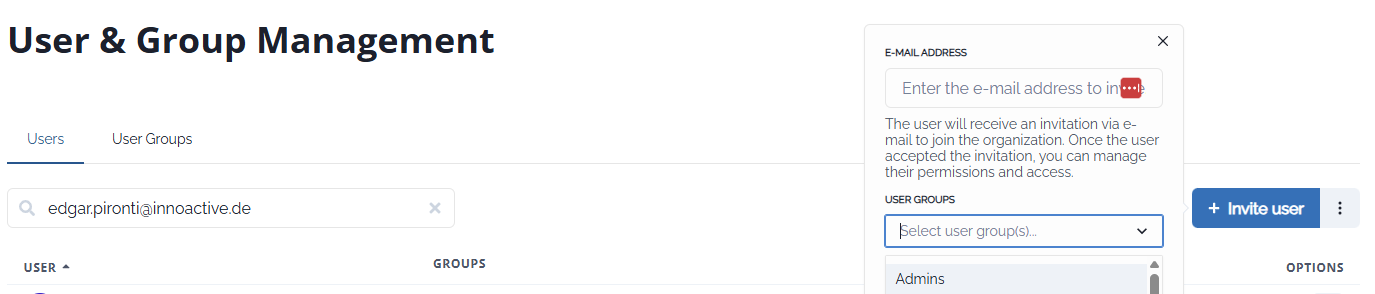
Click Invite user.
Enter the user’s email address.
Assign one or more user groups.
User joins organization
The user receives an email invitation and joins after accepting it.Manage users
Administrators can view group membership, last login, and remove users if required.
Notes
Invitations are not required when SSO is enabled.
Group assignment during invitation defines initial permissions.